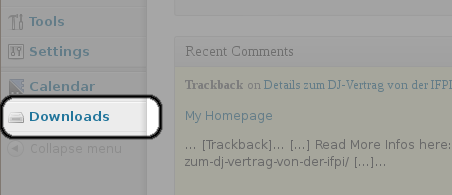
- Einloggen und in der Sidebar auf Downloads clicken:
- Add a new file:
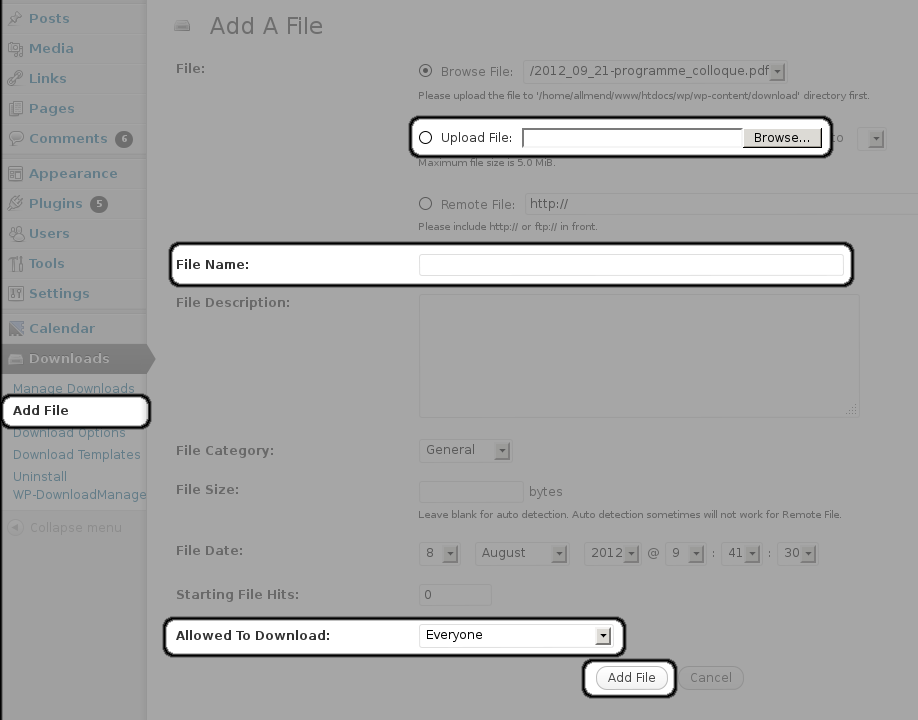
- Click on “Add File”
- Choose the file on your computer
- Set the “file name” exactly the same as the file you’re uploading
(In the future, I hope to find out, how setting the file name works! For now, it has to be the same as the uploaded file) - Define who is allowed to download the file
(For now, the files are in a directory which is world readable: so somebody who knows finds out where the files are located on the server, can download them: this will change in the future but, until then, do not upload files that cannot be published) - Now, the file can be downloaded under the URL: http://allmend.ch/download/filename.pdf
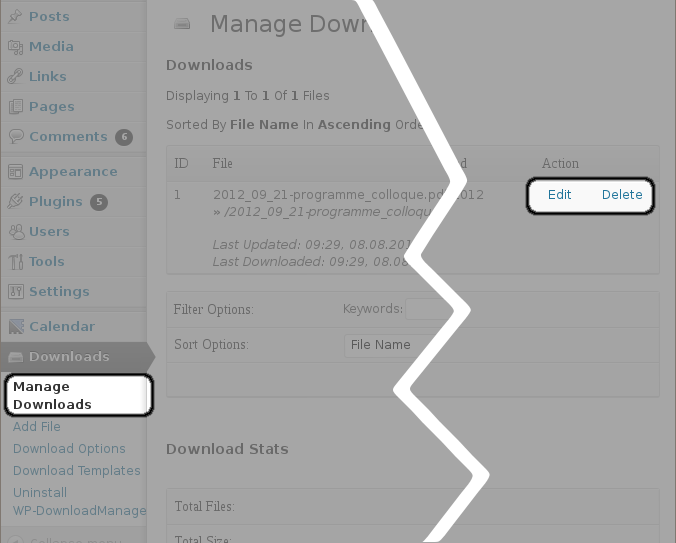
- You can edit or delete each download in the “Manage downloads” section
- Just one thing: please, don’t change the settings in “Download Options”!
Digitale Allmend
